A phone your
agent can drive.
iPhone simulators and Android emulators in the cloud, on real Apple silicon. Install a build, drive the UI, stream the session into your own product, and let an agent run the whole loop, without a Mac on anyone’s desk.

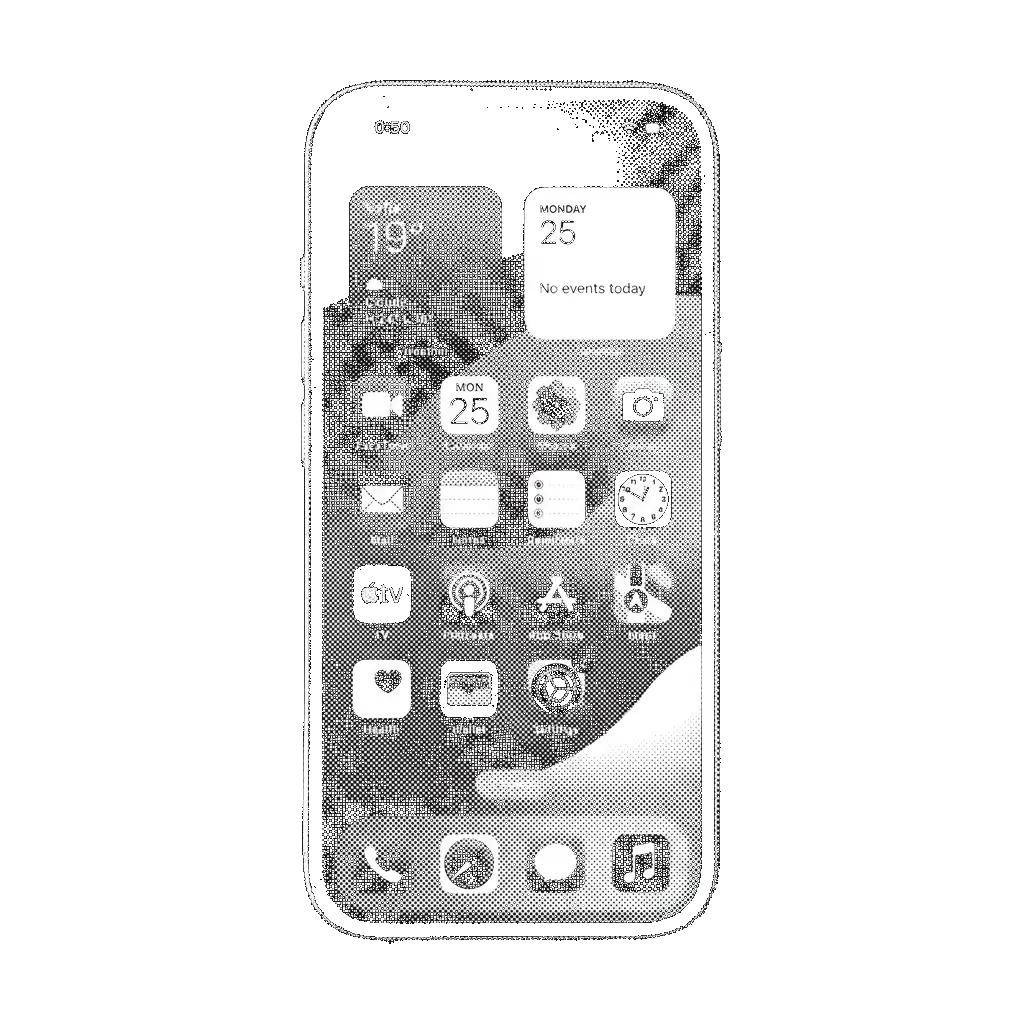

Everything a device does, as an API.
Get a device, put an app on it, drive it, read it, record what happened, and hand the raw protocol to the test suite you already own.
Warm devices, under a second.
Devices boot from a warm pool, so create usually resolves in well under a second. Pin an OS version or take the latest. Pause when you are done and resume without losing state, paused devices cost nothing.
Input and video share one clock.
Taps, swipes, key input, rotation, hardware buttons. Input goes in over the same channel as the video comes out, so a gesture and the frame it produced line up exactly, no guessing whether the screen you read is the one you tapped.
Assert on labels, not pixels.
A PNG at full device resolution, or the native accessibility tree, the source of truth for what the UI actually shows. A failed assertion is a value your code can branch on rather than a screenshot a human has to squint at.
Every session leaves evidence.
Start a recording, drive the app, stop it, get a 60fps MP4 behind a signed URL. Attach it to the failed CI run instead of writing three paragraphs. Pipe a fixed video into the camera so a scan or QR flow sees the same frames every pass.
Build the app first with Xcode Builds| .mp4 | 60 fps recording of the whole session |
| .png | Full-resolution screenshots on demand |
| tree.json | Accessibility tree at any frame |
| logs | Device console and app stdout |
Behind 15-minute signed links, or written straight to your own S3, GCS or R2 bucket. Kept 14 days.
One device. Two audiences.
for Agents
Programmatic controlTap, swipe, type, screenshot, read the accessibility tree. Every action is a function call with a return value, so a failed assertion is a value your code can branch on rather than a pixel a human has to squint at.
for People
Embed or share the sessionMount <RemoteControl /> and the live device renders inside your app, with input forwarded into the guest. Or mint a signed URL and send it to a reviewer who never installs anything.
Tokens are scoped to a single instance. One lifted off the wire cannot be replayed from another client, and it carries no authority over any other device on the account.
Faster because
the hardware is faster.
Apple silicon we own, one device per VM, booted from a warm pool instead of a cold runner. Medians across public iOS apps.
Workload Test Comparison
Bring the suite you already have.
A tunnel is cheaper than a migration. Nothing here asks you to rewrite tests against a new protocol.
Appium
Point existing WebDriver capabilities at the tunnel endpoint. Same session, same selectors, same page objects.
XCUITest
Build and test in one call, results land in the .xcresult bundle next to the recording.
Espresso & ADB
Drive Android emulators over adb connect, unchanged from your local setup.
Maestro
Run flows against a device id; artifacts and recordings come back with the run.
Build, install,
drive, read.
Boot a device from the warm pool, put your build on it, drive it the way a thumb would, and read back what the screen says, then let the agent loop.
- 01
Create a session
A device from the warm pool, usually in well under a second. Pin an OS or take the latest.
- 02
Install and launch
Push a .app, .ipa or .apk, start it by bundle id, deep-link straight to the screen under test.
- 03
Drive the UI
Taps, swipes, typing, rotation, every action a function call with a return value.
- 04
Read the screen
A full-resolution PNG or the accessibility tree. Pause when you are done; paused is free.
One balance. Every machine you run.
Simulators draw from the same credit pool as your sandboxes, runners and Xcode builds, billed by the second at one published rate card.
Starter
For a solo build or a first agent in production.
$20 of usage credits
≈ 550 VM-hours or 33,000 CI minutes
- 20 concurrent machines
- Committed in-plan rates on every product
- Linux & Windows, sandboxes, VMs, runners
- Per-second billing, paused is free
- Full API, SDKs, CLI & MCP server
- Unlimited seats
- Community support
Team
Apple silicon unlocked, and a balance that rolls over.
$100 of usage credits
≈ 2,700 VM-hours or 10,000 Mac build minutes
- 100 concurrent machines
- Everything in Starter, plus:
- macOS, iOS/Android simulators & Xcode builds
- Unused credits roll over one month
- Usage exports & per-second line items
- Email support
Business
Higher ceilings for a team leaning on the fleet daily.
$250 of usage credits
≈ 6,900 VM-hours or 25,000 Mac build minutes
- 300 concurrent machines
- Everything in Team, plus:
- Raised concurrency & start rate
- Priority support & shared Slack channel
- Single sign-on (SAML / OIDC)
- Volume credit rate
Enterprise
Dedicated capacity, your compliance surface, one invoice.
Committed volume rate
Committed volume rate, negotiated per account
- Reserved bare-metal capacity
- BYOC or self-host the control plane
- SSO & SCIM, audit logs, data residency
- Annual invoicing, MSA, DPA
- Support SLA & solutions engineering
- Custom regions on request
Every plan spends its credit pool first, then usage keeps flowing and bills per second at your committed in-plan rate, no hard stop mid-run, no forced upgrade. Without a plan you pay the on-demand rate instead. Prices are illustrative pending final list pricing; the per-second billing model is final.
The simulator rate card.
Android emulator · Linux
iOS simulator · Apple silicon
Per attached device, billed at $0.01 / minute.Android emulators run on the Linux ladder. iOS simulators run on Apple-silicon hardware, which is why they price as a Mac device. On-demand is 1.5× the in-plan rate. All usage bills by the second; paused machines are not billed.
Give your AI agents somewhere to run today.
Your agents get their own machines across Linux, macOS, Windows, iOS and Xcode in milliseconds, and you stop paying for idle.